
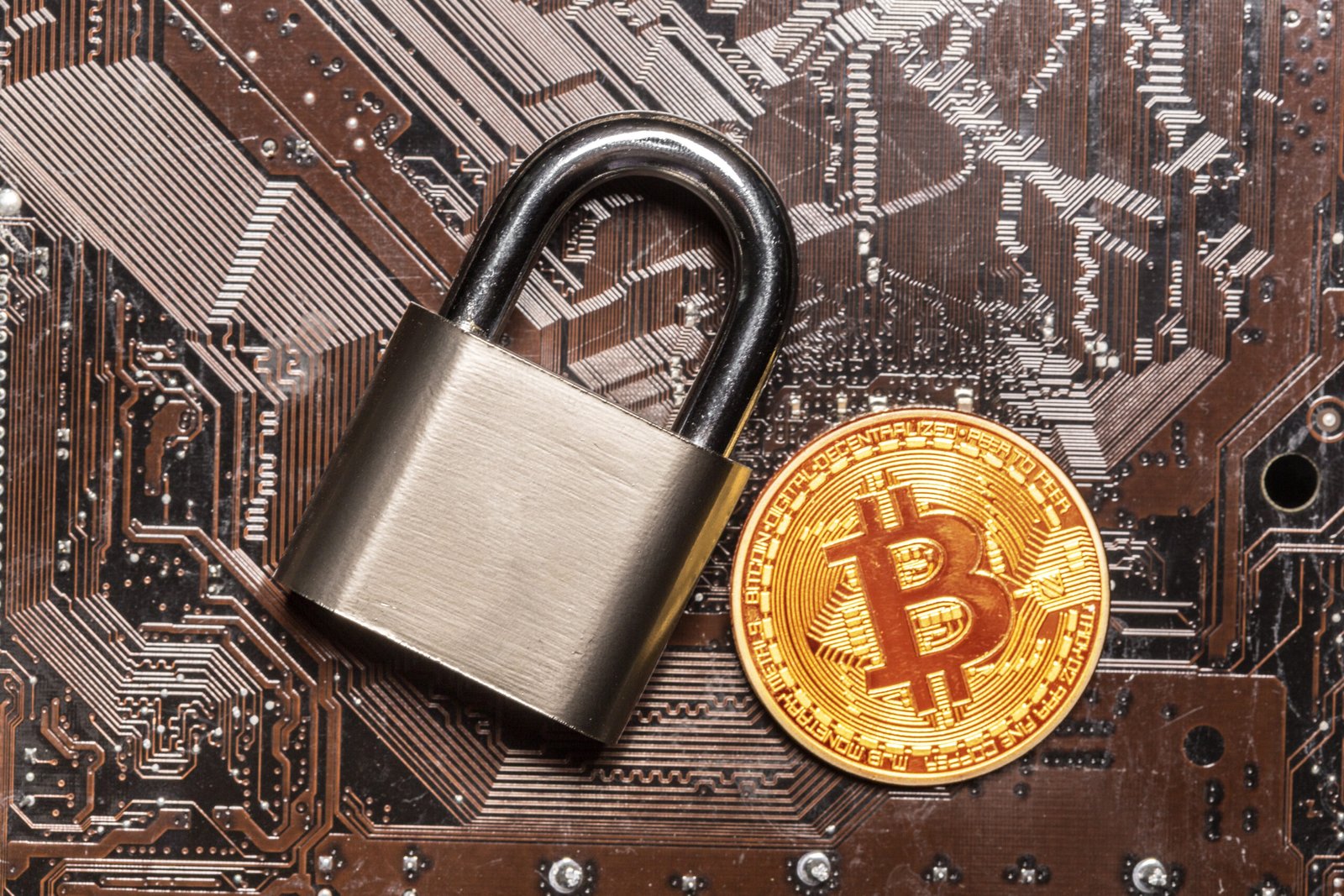
In recent years, the rise of cryptocurrencies has brought new opportunities, but it has also opened the door to a new wave of cyber threats. One of the most dangerous among them is NoCoin, a type of malware designed to secretly mine cryptocurrency using your device’s resources without your knowledge. Unlike ransomware or data theft, NoCoin doesn’t steal your files—it steals your computing power. This makes it difficult to detect, especially if it runs quietly in the background. In this article, we will explore what NoCoin is, how it works, how to detect it, and how to protect yourself. We’ll also answer the most common questions people ask about this malware.
What is NoCoin?
NoCoin is a term commonly used to describe malware that forces your computer or device to mine cryptocurrency without your permission. This process is known as cryptojacking, and it can affect both individuals and organizations. Unlike traditional cyber attacks that aim to steal personal information or encrypt files, NoCoin focuses on using your device’s CPU or GPU power to generate digital currency for attackers. The result is often a slow computer, higher electricity bills, and a shorter lifespan for your hardware due to constant high usage.
NoCoin isn’t a single virus; it’s a category of malware that includes various scripts and programs. It often spreads through malicious websites, infected software downloads, or even phishing emails. Once installed, the malware runs in the background, using your system resources to mine coins like Monero or other privacy-focused cryptocurrencies. The attacker earns money while you suffer the consequences, often without ever realizing what is happening.
How Does NoCoin Work?
NoCoin works by secretly installing a mining script on your device. This script runs without your knowledge and uses your computer’s processor (CPU) or graphics card (GPU) to solve complex mathematical problems. These problems help verify cryptocurrency transactions and add them to the blockchain. For each problem solved, the attacker earns a reward in cryptocurrency.
One of the most common ways NoCoin spreads is through malicious websites. These sites run hidden scripts that start mining immediately when you open the page. Other common methods include software bundles, where the malware is included in a free program, and phishing links that trick you into downloading the malware. Some NoCoin scripts are designed to detect if they are running on a virtual machine or sandbox, which makes them harder to analyze and detect. Once active, the script can run continuously, draining your resources and making your device extremely slow.
Signs Your Device Might Have NoCoin
Detecting NoCoin can be challenging because it doesn’t always show obvious symptoms. However, there are several signs that may indicate your device is infected:
-
Slow Performance: Your computer becomes sluggish, apps take longer to open, and tasks take more time.
-
High CPU Usage: Your CPU runs at high levels even when no heavy programs are running.
-
Overheating: The device heats up more than usual, and fans run loudly.
-
High Electricity Bills: Increased power consumption due to constant mining.
-
Unusual Network Activity: Your internet usage spikes without explanation.
-
Random Crashes or Freezing: System instability due to overuse of resources.
If you notice these signs, it’s important to take action quickly. NoCoin can damage your hardware over time and reduce your device’s performance significantly.
How to Remove NoCoin
Removing NoCoin depends on how it got into your system. Here are the most effective steps:
-
Run a Full Antivirus Scan
Use a reliable antivirus program to scan your device. Many modern antivirus solutions can detect and remove mining scripts. -
Check Your Browser Extensions
Some NoCoin scripts run as browser extensions. Review your extensions and remove anything suspicious. -
Update Your Software
Ensure your operating system and apps are up to date. Security patches often fix vulnerabilities used by NoCoin. -
Reset Your Browser Settings
If the mining script is tied to your browser, resetting settings can help remove it. -
Remove Unknown Programs
Check your installed programs and uninstall anything you don’t recognize. -
Reinstall Your Operating System
If the infection is severe, a clean reinstall may be the safest option.
How to Protect Yourself from NoCoin
Prevention is the best defense against NoCoin. Here are some effective protection tips:
-
Use Ad Blockers and Anti-Mining Extensions
Many ad blockers now include anti-mining features that stop cryptojacking scripts. -
Avoid Suspicious Websites
Do not visit unknown or suspicious sites, especially those offering free downloads or streaming. -
Download Software from Official Sources Only
Avoid pirated software and third-party download sites. -
Use Strong Passwords and Two-Factor Authentication
This prevents attackers from gaining access to your accounts and installing malware. -
Keep Your System Updated
Regular updates patch security vulnerabilities. -
Educate Yourself and Your Family
Awareness is key to avoiding phishing attacks and malicious downloads.
Frequently Asked Questions (FAQs)
1. What does NoCoin mean?
NoCoin refers to malware that hijacks your device’s resources to mine cryptocurrency without your permission. It is a form of cryptojacking.
2. How does NoCoin get into my computer?
It can enter through malicious websites, infected downloads, phishing emails, or bundled software.
3. Can NoCoin steal my personal data?
NoCoin is mainly designed for mining, not stealing data. However, some variants may also include data theft capabilities.
4. Will my antivirus detect NoCoin?
Many modern antivirus programs can detect NoCoin, but some advanced versions may evade detection. Using anti-mining extensions and keeping your system updated improves protection.
5. How can I prevent NoCoin on my browser?
Use ad blockers with anti-mining features, disable unnecessary extensions, and avoid visiting risky websites.
6. Is NoCoin dangerous to my computer?
Yes, because it can slow down your device, increase electricity usage, and overheat your hardware, reducing its lifespan.
7. What should I do if I suspect NoCoin?
Run a full antivirus scan, remove suspicious browser extensions, update your software, and consider a system reset if needed.
Conclusion
NoCoin is a hidden threat that can silently drain your device’s resources and cause long-term damage without you even knowing. While it may not steal your data directly, the effects of cryptojacking can be severe, especially if it goes undetected for a long time. The best way to stay safe is through prevention: avoid suspicious sites, keep your system updated, use reliable security tools, and stay vigilant against phishing attacks. By understanding how NoCoin works and recognizing the warning signs, you can protect yourself and keep your devices running smoothly.
